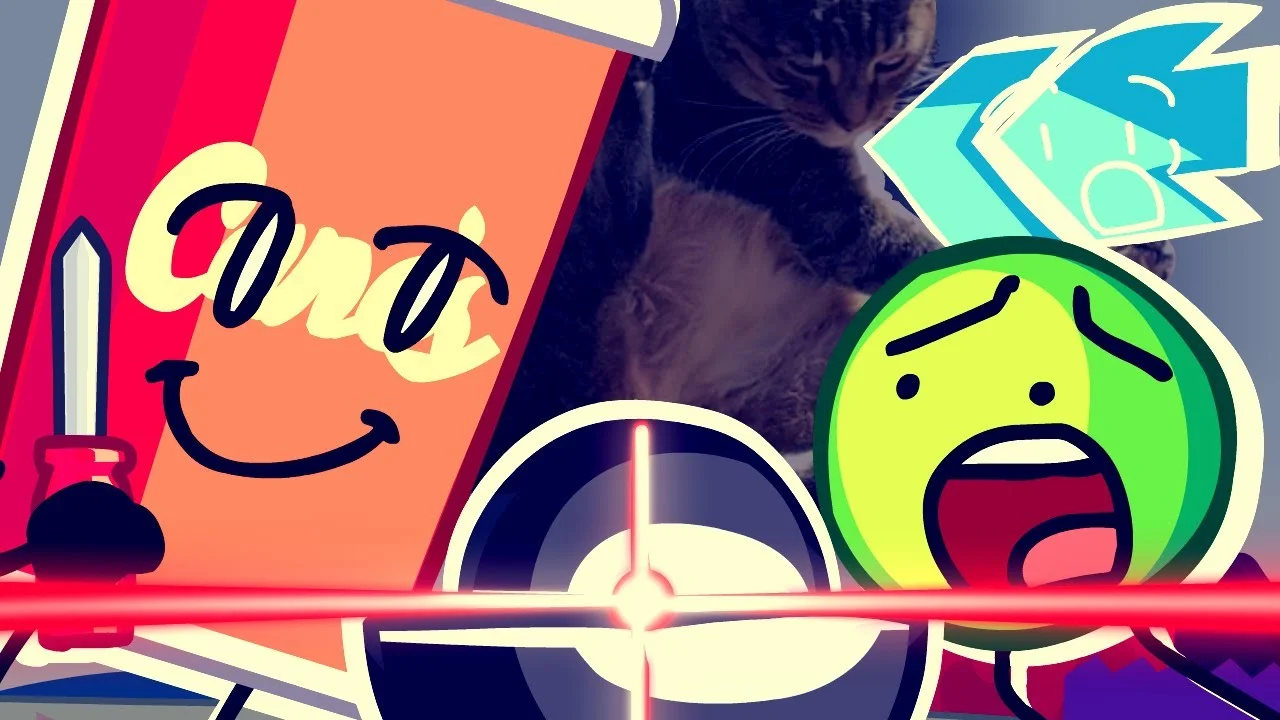
- Animatic Battle voting icons are the contestant portraits used during elimination and voting segments in object shows.
- Design core: each icon pairs the character's object silhouette with an expressive face and a bold border.
- Fan-made versions are a popular community art form across the Animatic Battle fandom.
- Key tools: any digital art app with layers works — style consistency matters more than software.
- Best practice: match the series' flat vector look with thick outlines and vivid colors.
What Are Animatic Battle Voting Icons?
Voting icons are a visual staple of the object show format that Animatic Battle belongs to. During elimination and voting segments, each contestant appears as a compact square portrait — an icon that viewers instantly recognize. In a series like Animatic Battle, where the cast includes expressive object characters such as Tree, Juice Box, Door, and Printer, the voting icon is often the single most repeated image of a character across an episode.
Because the icons are square, small, and shown side by side, they function like a cast lineup. A well-designed icon communicates three things at a glance: which object the character is, what their personality feels like, and how their current status in the competition stands.
Voting icons are not just decoration. They anchor the elimination ceremony, help new viewers learn the cast quickly, and are the template most fans reuse when creating their own elimination charts and tier lists.
The table below breaks down the standard anatomy of an object show voting icon:
| Element | Purpose | Design Notes |
|---|---|---|
| Object silhouette | Instant identification | Bold, recognizable shape readable at small sizes |
| Facial expression | Personality cue | Expressive eyes and mouth, exaggerated emotions |
| Border or frame | Separates contestants from the background | Often color-coded per contestant or team |
| Background | Visual consistency | Flat color or simple gradient, avoids clutter |
| Status marker | Voting context | Safe, nominated, or eliminated indicators |
Icon Styles Across the Cast
Different characters demand different icon strategies depending on their shape language and personality. Animatic Battle's cast — from the host Animatic to contestants like Paintbrush, Exclamation Mark, and Flamethrower — offers a wide range of design challenges for icon artists.
Simple Objects
- Characters like Door and Trophy
- Clean geometric silhouettes
- Expression carries most of the personality
- Easiest starting point for beginners
Detailed Objects
- Characters like Printer and Flamethrower
- More internal parts to simplify
- Requires selective detail to stay readable
- Test at small sizes often
Abstract Shapes
- Characters like Exclamation Mark and Minidisky
- Shape itself is the joke or trait
- Lean on pose and expression
- Strong contrast with other cast icons
A useful exercise is comparing how the same character reads in three emotional states:
| Character Type | Neutral Icon | Nervous Icon | Eliminated Icon |
|---|---|---|---|
| Simple object | Standard pose, flat colors | Sweat drop, wide eyes | Grayscale, faded border |
| Detailed object | Full detail, centered | Slight tilt, drooping parts | Dimmed colors, cracked frame |
| Abstract shape | Symmetrical framing | Squashed proportions | Flattened, desaturated |
Whatever style you choose, apply it to the entire cast. Mixed styles make an elimination lineup look unfinished, while a unified border weight and expression style reads as intentional design.
How to Make Your Own Voting Icon: Step-by-Step
Creating a fan-made Animatic Battle voting icon follows a repeatable workflow. Follow these steps whether you are drawing a single character or building a full cast lineup.
Pick Your Character and Reference
Choose a contestant and gather official screenshots from the Animatic Battle episodes on the creator's channel. Study their proportions, color palette, and recurring expressions before drawing anything.
Block the Silhouette
Sketch the object's shape inside a square canvas, keeping roughly 10% padding on all sides. If the silhouette is not readable as a flat black shape, simplify it before adding details.
Add the Face
Place expressive eyes and a mouth that match the character's established personality. Object show faces are highly elastic — do not be afraid to exaggerate beyond realistic proportions.
Ink and Color
Apply a thick, uniform outline in the flat vector style the series uses. Fill with the character's official colors and a simple background, avoiding gradients that fight the character.
Test at Voting Size
Shrink the icon to thumbnail size. If the character is still identifiable and the expression still reads, the icon works. Adjust contrast and line weight if it blurs together.
Fan-made voting icons are community tributes. Do not present altered icons as official artwork, and always credit the original series when sharing your versions publicly.
Using Icons in Fan Projects
Voting icons power several popular fan project formats beyond standalone art. Each format uses the same core icon set in a different way.
| Fan Project | How Icons Are Used | Difficulty |
|---|---|---|
| Elimination charts | One icon per contestant, removed row by row | ★★☆☆☆ |
| Fan voting posts | Icons as clickable choices for community polls | ★★☆☆☆ |
| Tier lists | Icons as character chips arranged in ranking rows | ★☆☆☆☆ |
| Fan animations | Icons reused in simplified elimination sequences | ★★★★☆ |
| Battle simulators | Icons as character sprites in browser fan games | ★★★☆☆ |
For community-driven voting posts, a reliable workflow looks like this:
| Stage | Action | Output |
|---|---|---|
| Setup | Draw or gather a consistent icon per contestant | Full cast lineup |
| Nomination | Highlight icons of the losing team's members | Marked nominees |
| Voting window | Share the lineup with numbered icons | Poll entries |
| Results | Swap the eliminated icon to grayscale | Updated status lineup |
Clear, consistent icons dramatically improve engagement in fan voting threads. Viewers vote more when they can recognize every contestant instantly without reading names.
Use this checklist before publishing any icon-based fan project:
Icon Quality Checklist:
- Every contestant has a matching border weight and canvas size
- Silhouettes remain readable at thumbnail scale
- Expressions match each character's personality
- Eliminated or safe statuses are visually distinct
- Original series is credited in the post
Common Mistakes and Fixes
Most icon problems come down to readability. These are the issues that appear most often in fan-made voting icon sets, along with practical fixes.
| Mistake | Why It Fails | Fix |
|---|---|---|
| Overloaded detail | Small parts vanish at voting size | Keep 2-3 key features, drop the rest |
| Inconsistent borders | Lineup looks mismatched | Set one stroke width for all icons |
| Busy backgrounds | Character blends into the frame | Use flat or single-gradient backgrounds |
| Same face everywhere | Cast feels interchangeable | Vary expressions per personality |
| Wrong proportions | Character no longer reads as itself | Match official height and shape ratios |
Zoom out until each icon is roughly the size of a thumbnail on a video listing. Anything you cannot identify in two seconds needs simplification — usually thicker outlines or higher contrast.
FAQ
Q: What are Animatic Battle voting icons used for?
Voting icons are the compact contestant portraits shown during elimination and voting segments. They help viewers identify each contestant at a glance and are frequently reused by fans for elimination charts, tier lists, and community polls.
Q: Do I need expensive software to make voting icons?
No. Any digital art application with layer support works, including free options. The series uses a flat vector style with thick outlines, so the deciding factor is consistency and readability rather than the tool you choose.
Q: How small should a voting icon stay readable?
Aim for readability at thumbnail scale — roughly the size of a small profile picture. If the object silhouette and expression are still identifiable at that size, the icon will work in voting lineups and fan projects.
Q: Can I share fan-made Animatic Battle voting icons publicly?
Yes, fan art is a common part of the object show community. Just credit the original series, avoid presenting altered icons as official artwork, and respect the creator's content when sharing in community spaces such as the fandom's Reddit discussions.